Music can be visible. In 1976, Atari Inc. Introduced the first electronic music visualizer to generate animated imagery based on the soundtrack in order to enhance the listening experience. In the recent years, more and more musicians take music visualizer as an excellent solution to make their works more lively for boosting engagement. And, AI technology used in music visualization further helps diversify audio tracks and create highly detailed visual representations that perfectly follow rhythm, spectrum, beats and other elements of music.

How to choose an AI music visualizer? Here, we would like to introduce the best 5 free music visualizer AI tools which empower you to effortlessly make music come to life with stunning designs.
- On This Page
-
What is an AI Music Visualizer?
-
Specterr - Smart AI Audio Visualizer and Lyric Video Maker
-
Renderforest - Easy Music Video Visualizer AI for Both Beginners & Pros
-
VEED - Dynamic Music Visualizer to Create Sound Waves
-
Motionbox - Music Visualizer Online Best for Podcasters
-
WZRD - AI Music Visualizer to Augment Your Music
-
Bonus | Vidnoz AI Music Generator - Professional Music Video Maker
How to Create a Music Video with Vidnoz AI Music Generator?
-
FAQs About AI Music Visualizer
What is an AI Music Visualizer?
An AI music visualizer or AI audio visualizer is a tool that creates visual representations of music using AI algorithms. It analyzes the frequency, rhythm, and other aspects of the audio to generate dynamic visual effects synchronously.
Audio visualizer AI tech improves the overall listening and viewing experience of music, which leads to a widespread application in music production, live performances, virtual reality experiences, and other industries.
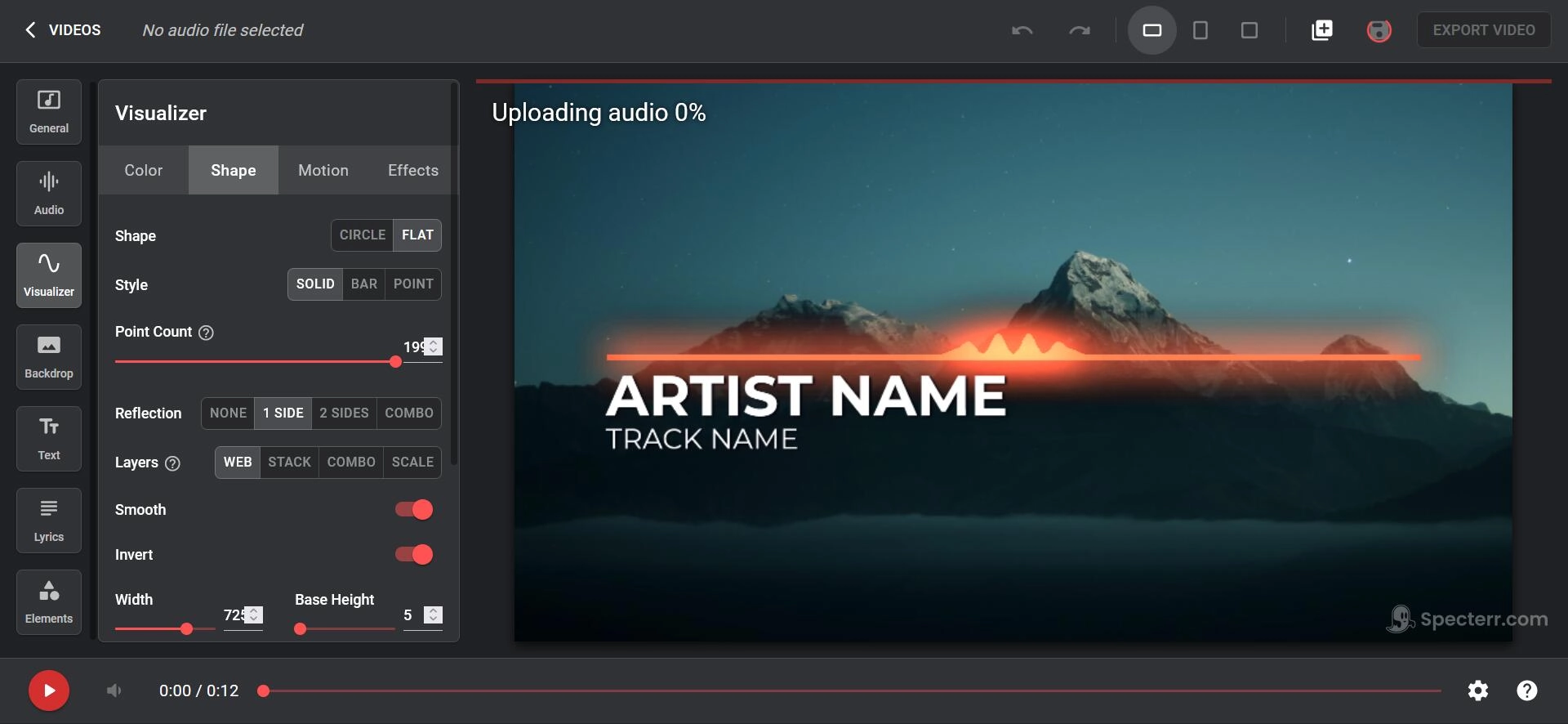
Specterr - Smart AI Audio Visualizer and Lyric Video Maker
Specterr is an intuitive online platform to turn music into videos. It presets a wide range of audio visualizers and advanced customized tools to create stunning music videos from your tracks in a breeze. You can change color, shape and effects for your sound wave to react your audio in real time. The music visualizer also allows you to put your logo into video and personalize background by uploading images, add names of artist/track and other information to let audiences to learn your music better. And, it makes use of cloud rendering to deliver a smooth video creation process. With the support of high frame rate and AAC codec, it can generate music video in HD (up to 4K at 60fps) with clear sound.
Specterr offers a free version enabling you to visualize music at no cost. However, there are some limitations, from time limit to watermark and more. Premium plans with advanced features are also available to achieve professional music visualization.
Renderforest - Easy Music Video Visualizer AI for Both Beginners & Pros
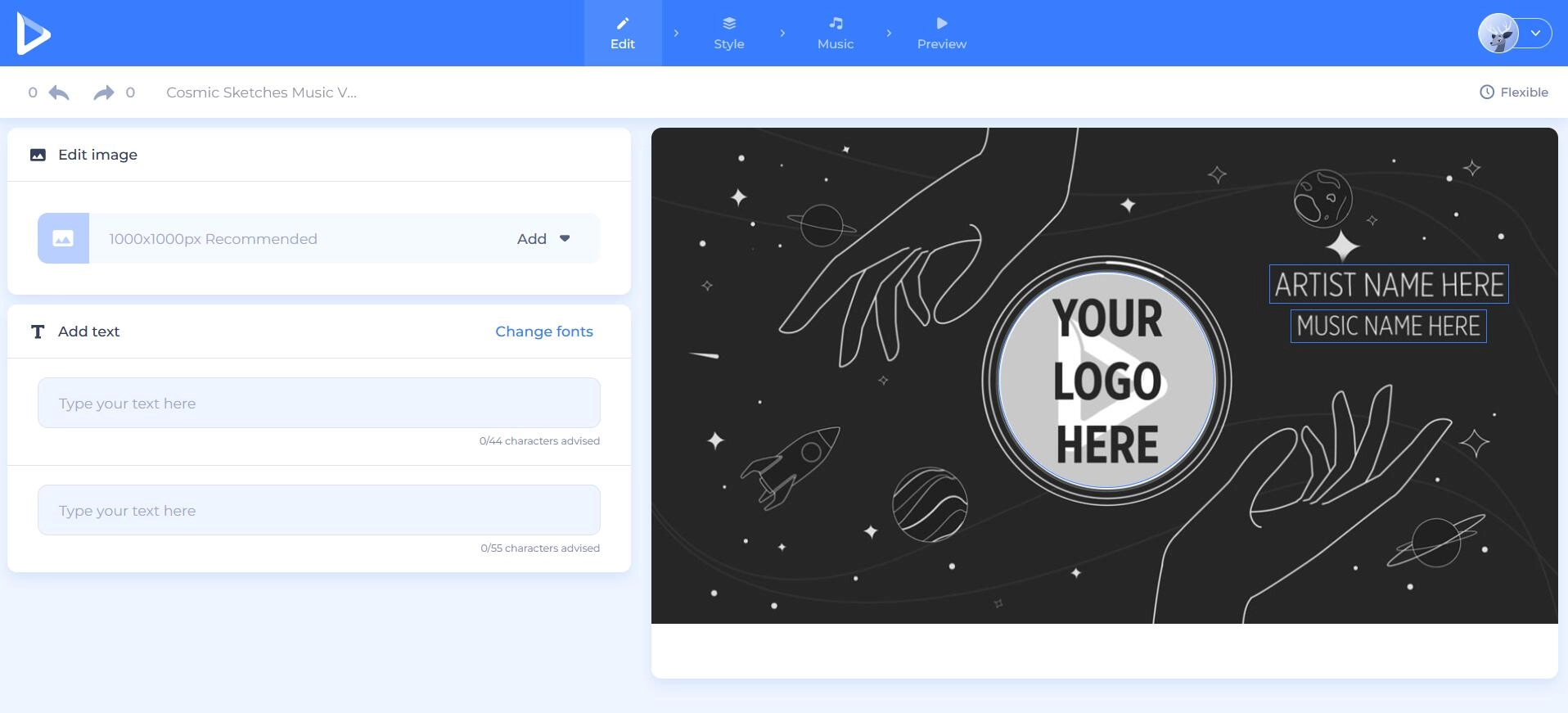
Renderforest gives its focus on design and provides a variety of tools from video creation to website building. Music visualizer is one featured tool used to complement music with high-quality visuals. It has over a hundred of templates for all tastes and preferences. You can turn any of your music track - an original song, a cover, a remix, an album, a playlist - into an outstanding video for promoting on YouTube and other social media services. Besides templates, Customizable options allows you to add text/image, change color, set aspect ratio (widescreen, portrait, square) and export video in HD (720p, 1080p, 4K) at up to 30fps.
Renderforest music visualizer is simple to use. In only 4 steps, select template > make editing > upload music > export, you can take your music to a next level with immersive and rhythmic visuals. Both free and premium templates are available. You can visualize your audio tracks at no charge or pay for generating a more impressive music video.
VEED - Dynamic Music Visualizer to Create Sound Waves
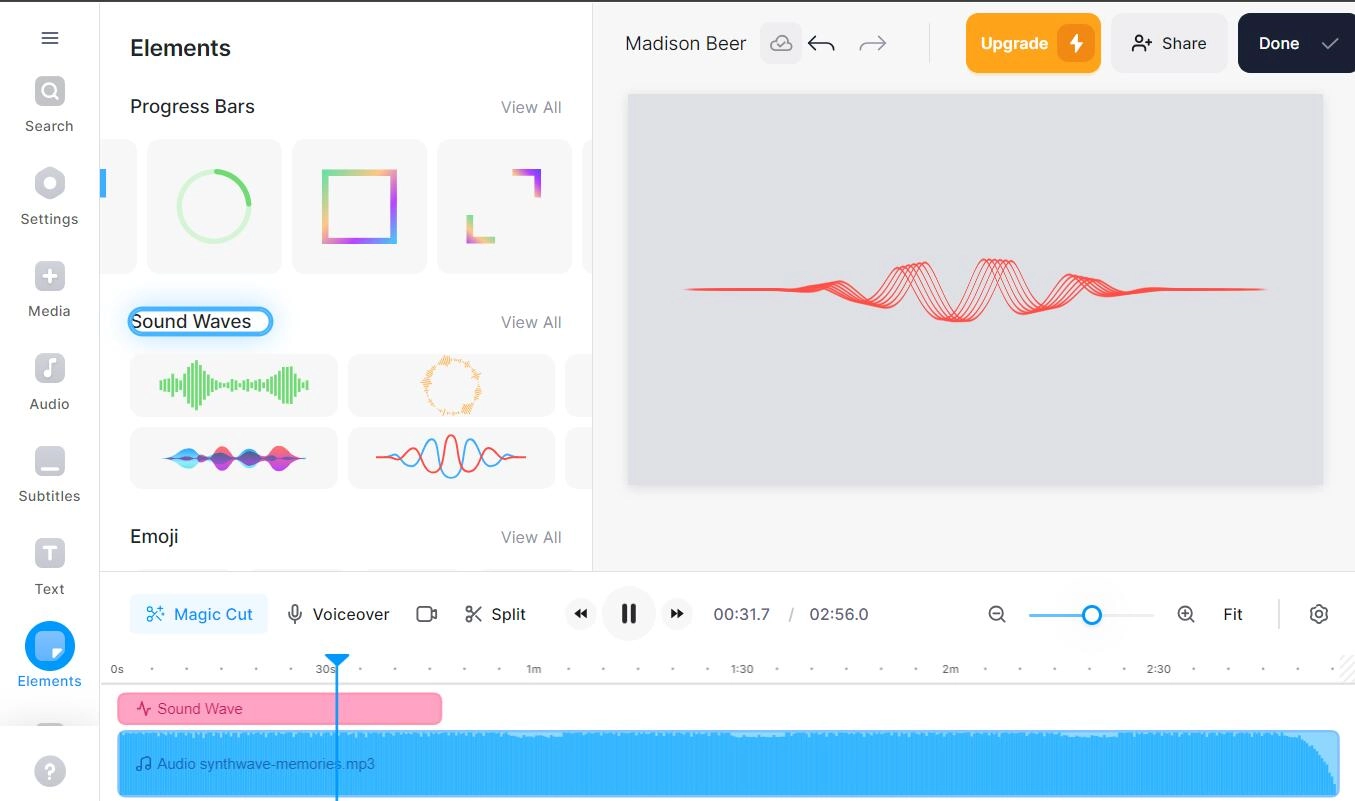
As a full-featured AI video generator, VEED has a complete toolkit including a diversity of gadgets to create, edit and process videos in minutes. Music visualizer is a standalone application in the toolkit to add animated sound waves in sync with your music based on the sound frequencies. It makes the beats, melodies and rhythms of audio tracks visible to capture audiences’ attention. VEED presets customizable sound wave styles. You can flexibly select a waveform and change the color, duration as well as set animations. More editing tools can be used to cut, split, add lyrics to your video. In addition to uploading a track, you are allowed to record a song or podcast with immersive audio spectrum styles using the audio visualizer.
VEED supports exporting unlimited 720p videos that are under 10 minutes with watermark for free. To create a higher quality music video without watermark, you should subscribe a upgraded plan, Basic, Pro or Business.
Motionbox - Music Visualizer Online Best for Podcasters
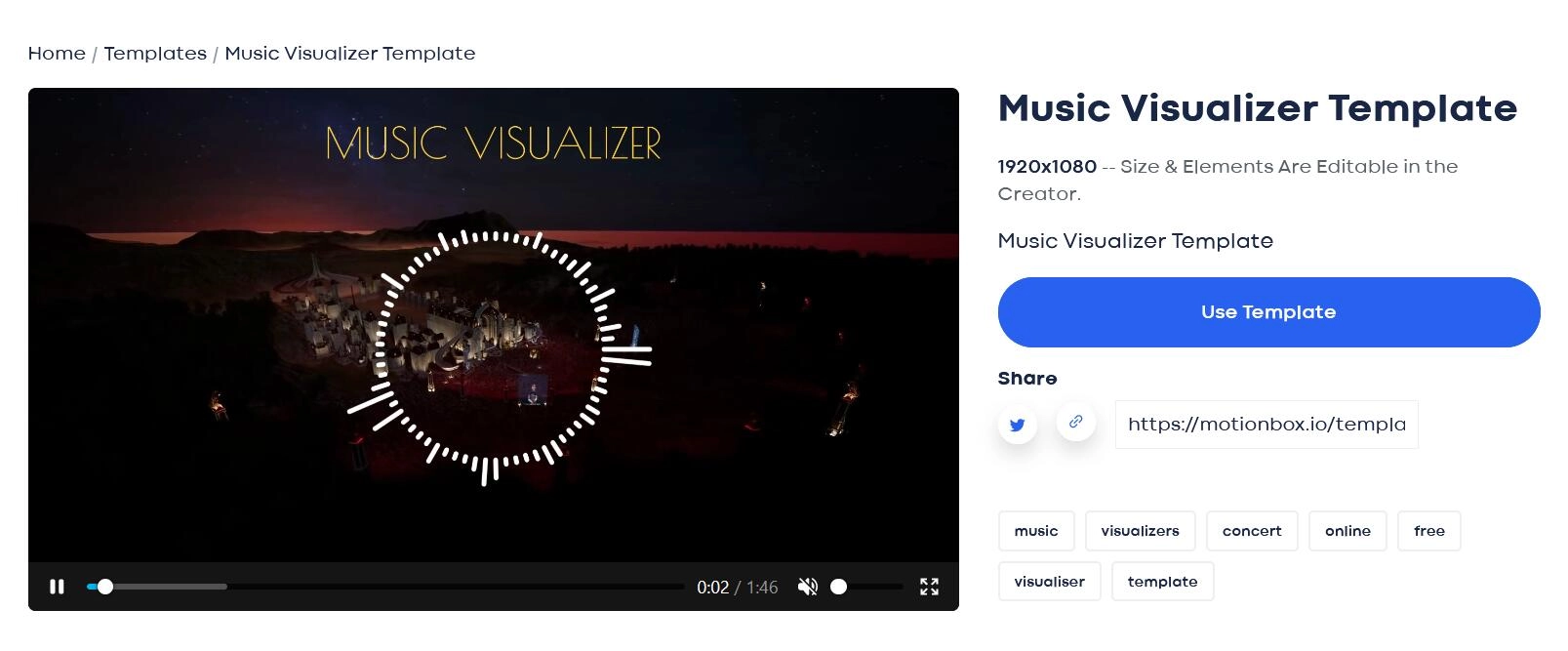
Motionbox is known as a video collaboration and motion graphic tool online. Integrated with other editing features, music visualizer shows you a different way to turn audio tracks into wonderful clips for better engagement. More than offering service for musicians who want to promote their songs on YouTube and the like, this audio visualizers is designed to help podcasters, voice actors to add audio spectrum with specific templates. With editing tools, you can trim audio, add images/text/effects and customize elements, for example change the color, size, position of waveform at no effort.
Motionbox has an intuitive interface so that you can quickly get started with it. As other music visualizers, it offers free and paid plans. You are allowed to export 720p videos up to 10-minute long with watermark for free. If you hope to break the limitations, get a upgrade plan from basic to premium or enterprise according to your demand.
WZRD - AI Music Visualizer to Augment Your Music
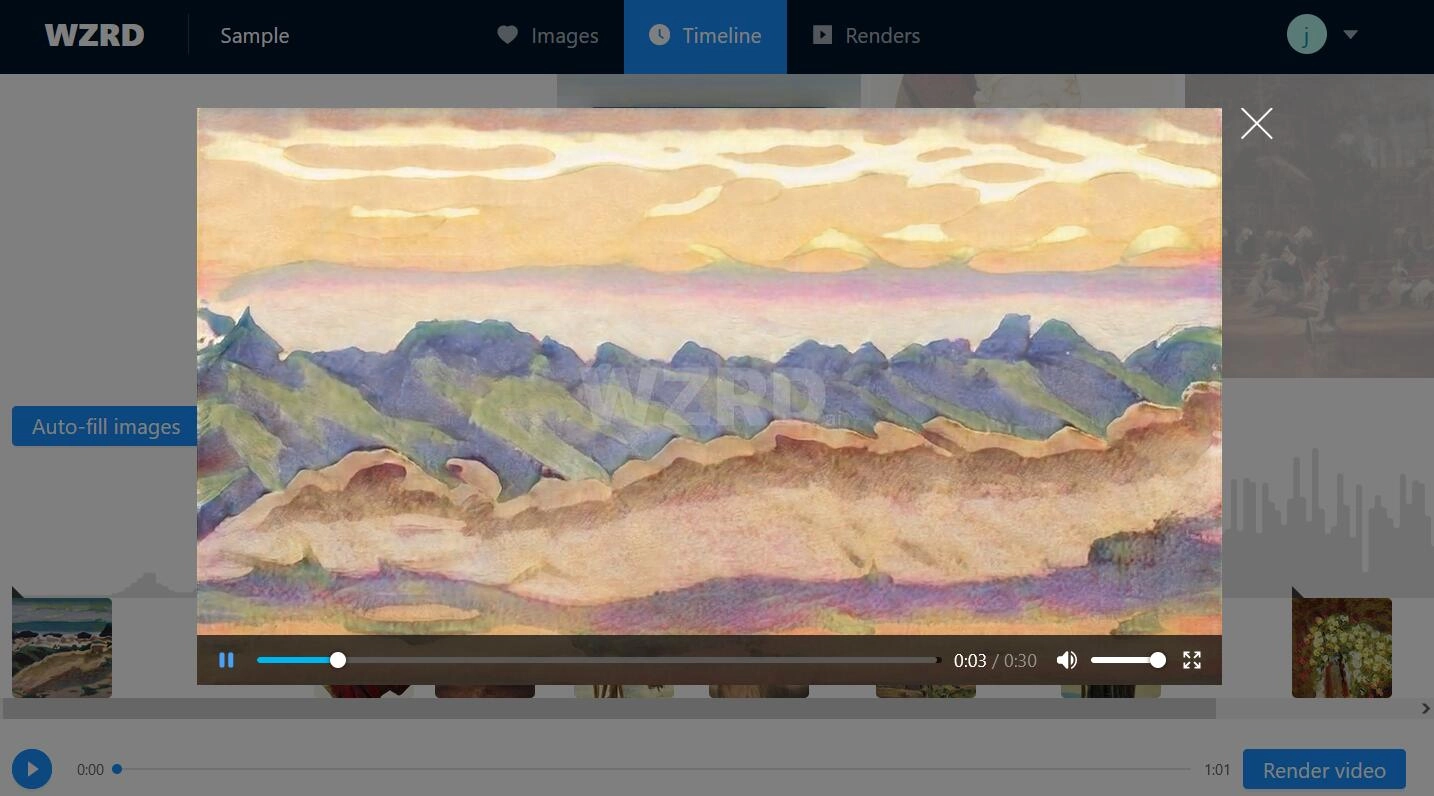
WZRD is a smart audio visualizer that leverages AI technology to transform audio tracks into engaging videos. It boasts providing an unparalleled music visualization experience with the utilization of advanced algorithms. Audio analysis helps detect percussion and harmonic elements. Neural work can generate captivating visuals. Audio-visual synchronization is used to make the visual elements to seamlessly follow audio rhythms. Finally, it delivers a smooth video rendering process. The music visualizer has sorts of themes including landscape, modern art, sci-fi, sketch/painting and more, which can drive your music videos or live performances to the next level. In advanced settings, you can set aspect ratio and resolution, cut the clip by setting start and end time, define how much bass pushes the visual forward and how much the visual shape gets distorted by low/mid/high frequency sound.
WZRD enables you to create unlimited 30-second videos at half fps with watermark as many as you want for free. For full-length render at full fps, you should top up the wallet for getting enough credits (1 audiovisual minute = 1 credit).
Bonus | Vidnoz AI Music Generator - Professional Music Video Maker
A music visualizer focuses on syncing visual sound patterns or waves with audio. But if you want to create a professional-looking music video, you need a more powerful AI music video maker. Vidnoz AI Music Video Generator is your great choice.
Vidnoz AI Music Video Generator enables you to easily make an MV highly matched to your song. Just upload your music demo, add the singer's photo, select the style, video ratio, and other elements, and it can automatically generate a seamless and appealing music video. It combines AI audio analysis, AI lip sync, AI video generation, and other advanced AI algorithms. Music video creation is never a tough thing. No need for hiring professional music video recording and editing teams.
How to Create a Music Video with Vidnoz AI Music Generator?
Step 1. Open the online Vidnoz AI Music Video Generator page.
Step 2. Upload your music demo and the singer's photo. You can also pick the provided AI digital singer.
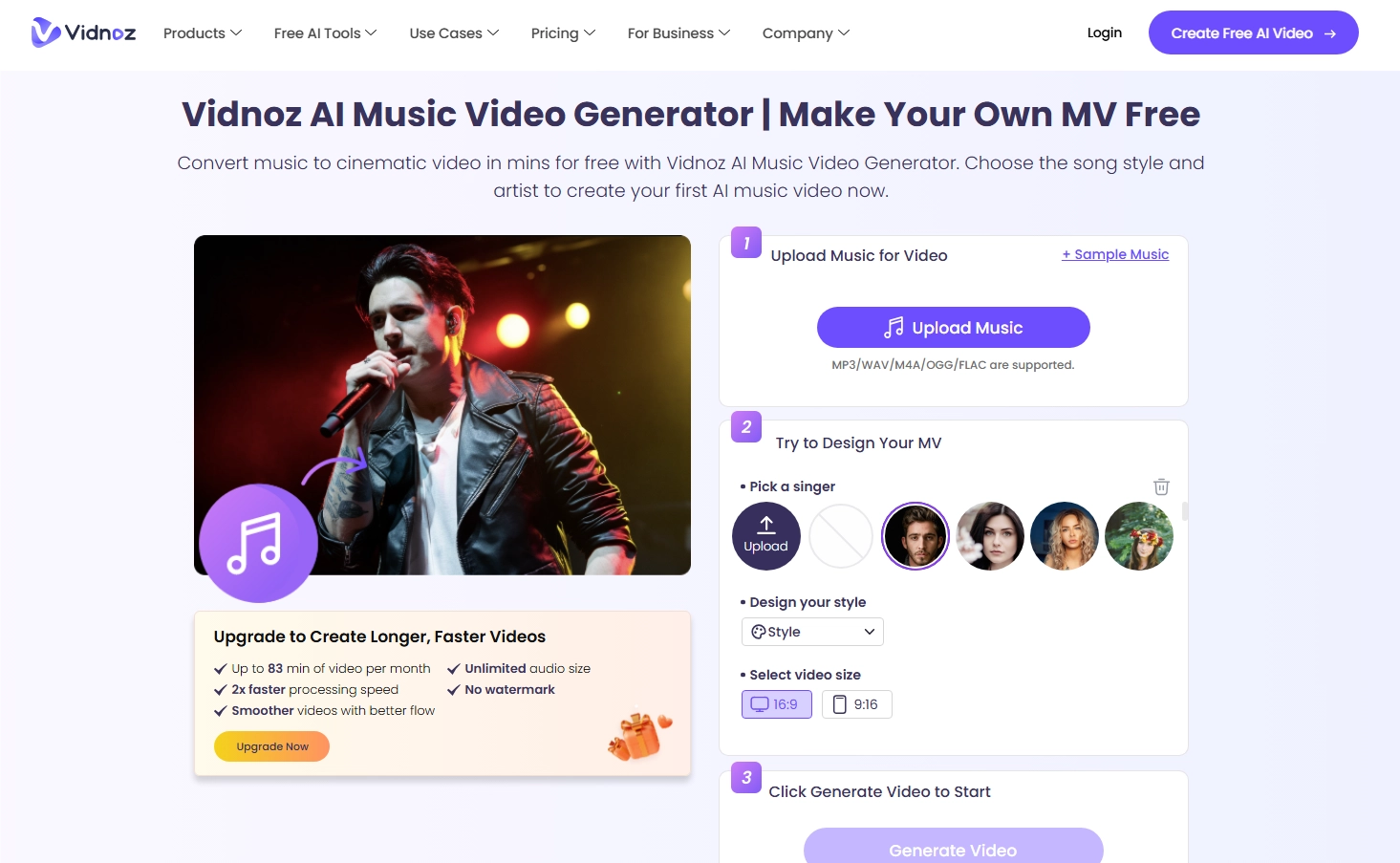
Step 3. Select the music video style you like and the video ratio.
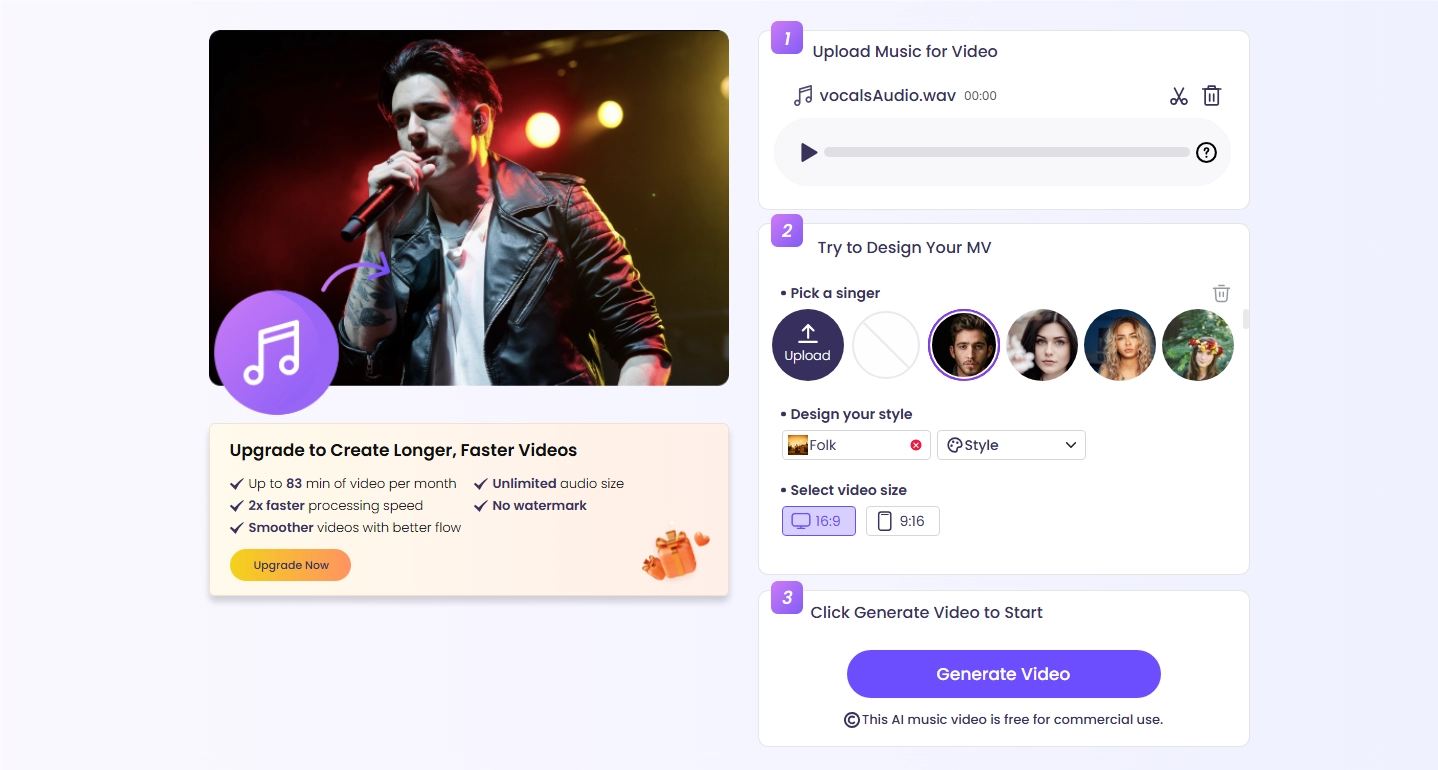
Step 4. Click Generate Video to start music video creation. Then preview and download the result.
As an all-around AI tool holder, Vidnoz develops several useful online tools, such as AI Vocal Remover, AI Voice Changer, letting you have more fun in audio editing and voice creation purposes.
FAQs About AI Music Visualizer
What is the best audio visualizer site?
The answer differs for different goals and purposes. All 5 AI music visualizers are welcome and easy to use. Start from anyone you are interested in and pick your best visualizer AI.
Does Apple Music have a visualizer?
Yes, you can turn on the music effects on Apple Music on your Mac by following these steps:
Step 1. Play music.
Step 2. Choose Window > Visualiser.
Step 3. Turn on the visual effects
However, there’s no visualizer for iPhone; you need to download a music visualizer app to do that.
Is AI a threat to music?
BIG NO! For one thing, AI can never generate touching enough musics that connect to human feelings. For the other, AI is assisting musicians in audio editing, music playing, and other sorts of recreations.
Final Thoughts
Music visualizer is an audio to visual translator that helps you create appealing, dynamic graphics following the beats and pitches of a song. All the 5 best free AI audio visualizers introduced here can help you intelligently generate visually sound waves with customizable options to enhance your music listening experience. What’s more, Vidnoz AI Music Video Generator can drive you to create a more striking music video with no effort. With the help of lip sync, MV generator, AI singers, and features, you can generate various music videos for entertainment, business, etc., easily and quickly. You can also create unique music song with its powerful AI Music Generator.




![6 Best AI Music Splitters - Remove Vocals with Ease 2026 [Free/Paid]](https://www.vidnoz.com/bimg/ai-music-splitter.webp)

![[AI Mashup Maker] Use Mashup AI to Mashup Two Songs in 3 Steps](https://www.vidnoz.com/bimg/ai-mashup-maker.webp)